Every guest at your wedding has their phone in their pocket, and most of them have been taking photos all day — getting-ready moments, candid ceremony shots, dance floor memories that your photographer never saw. The problem is that those photos live on individual phones and almost none of them reach the couple.
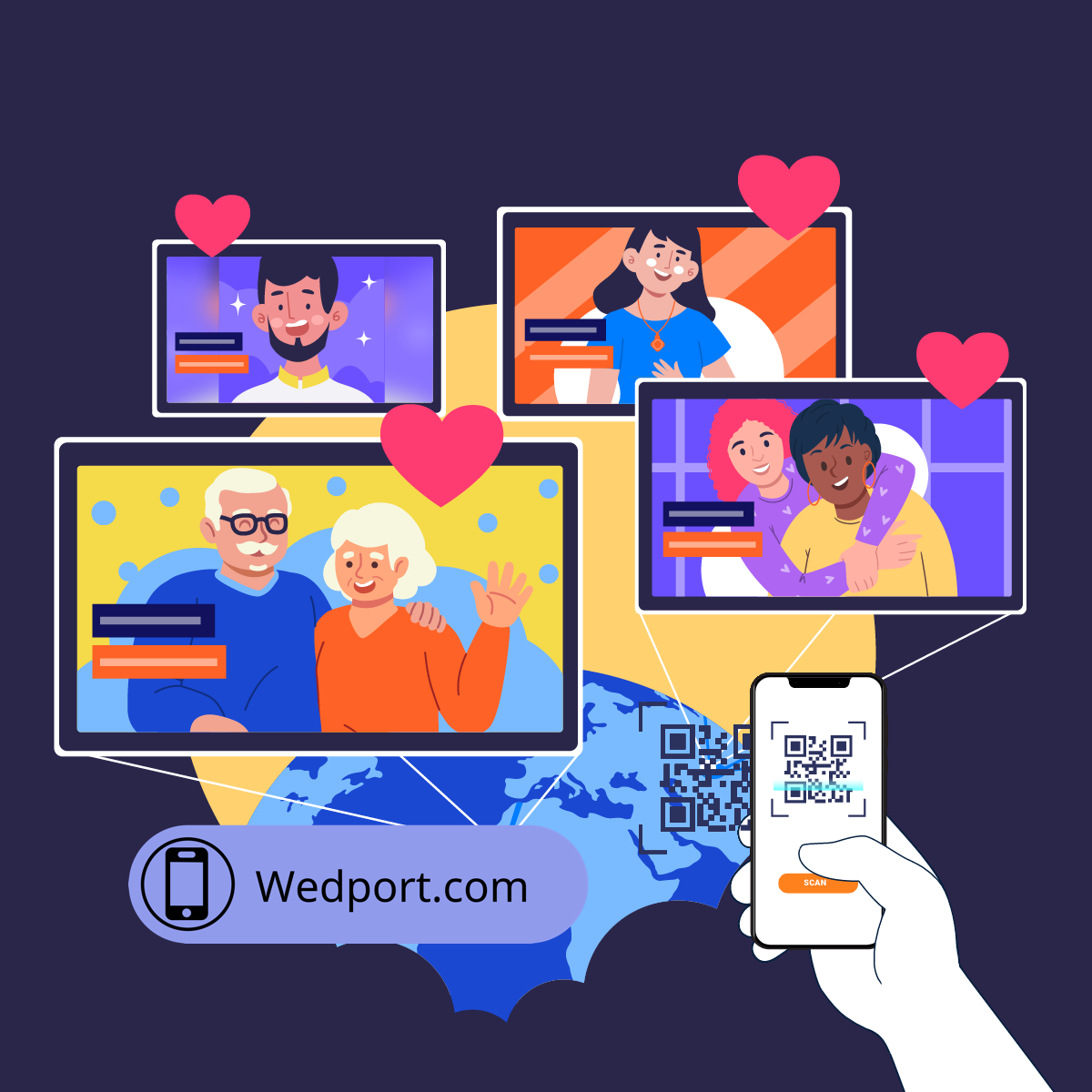
A QR code for wedding photo sharing solves this. One scan and guests are uploading their own photos, videos, and messages directly to your wedding hub — no app download, no account creation, no friction. This guide walks through exactly how to set one up with WedPort, how to display it effectively, and how to make sure you get photos from every person in the room, not just the most tech-savvy ones.
How a Wedding Photo Sharing QR Code Works
Here's what happens when a guest scans your WedPort QR code:
Guest opens phone camera
No special app needed — every modern iPhone and Android can scan QR codes directly through the built-in camera. Guest points camera at the code for 1-2 seconds.
A notification appears
The phone shows a small banner or notification at the top of the screen with a link. Guest taps it.
Wedding hub opens instantly
The guest lands directly on your wedding photo hub in their browser — already loaded, no waiting. No login screen, no registration prompt.
Guest uploads in under 60 seconds
Tap "Upload," select photos from camera roll (or take a new one), add a name and optional message, and submit. Done. The photo appears in your gallery immediately.
How Much Does It Cost to Create a QR Code for a Wedding?
With WedPort, the QR code is included with your wedding hub subscription — there's no separate cost for the code itself. Plans start at 9 for a full year of access, which includes the QR code, unlimited photo and video uploads, a digital guestbook, and all downloads.
Compare that to a traditional photo booth rental (00–,500 for 4 hours) or even a standalone QR code service (–5/month for a plain link redirect). WedPort's QR code does far more: it links to a live, interactive wedding hub that collects photos, videos, audio messages, and written notes — and everything is downloadable forever.
How to Set Up Your Wedding Photo QR Code
Create your WedPort account
Go to wedport.com/signup. Free trial — no credit card required. Takes about two minutes.
Set up your wedding hub
Add your names, wedding date, a cover photo, and a short welcome message for guests. Takes 5–10 minutes and can be updated any time before the wedding.
Download your QR code
From your dashboard, find the QR code section. Download the high-resolution PNG. This is your unique code — every scan goes directly to your wedding hub.
Create your displays
Use Canva (free) or any design tool to add the QR code to table cards, a welcome sign, and your wedding program. Print at least 4×4 inches for easy scanning.
Add pre-wedding content
Upload a few engagement photos and a welcome message before the wedding. Guests who scan before the event arrive to a page with content already there — much more inviting than a blank page.
Have your DJ announce it
Ask your DJ or emcee to mention the QR code early in the reception: "Scan the code on your table to share your photos directly with the couple tonight." One announcement can double your upload count.
Where to Display the QR Code at Your Wedding
5 Places to Display Your Wedding QR Code
- Table cards: One at each table, minimum 3×3 inches. Most guests will scan from their seat during dinner. Include: "Share your photos with us tonight →"
- Welcome sign at the venue entrance: 8–10 inch minimum. Place where guests pause — near the sign-in table or cocktail hour entry. First impressions set the tone for the whole event.
- Wedding program: A 1.5-inch version with one line: "Scan to share your photos." Many guests study their programs during the ceremony — this plants the idea early.
- Bar or drink station: Guests check their phones while waiting for drinks. A card next to the bar is often the highest-traffic scanning spot at receptions.
- Photo display area: If you have an engagement photo display or memory table, placing the QR code here connects the emotional moment to the action of sharing.
Ready to Set Up Your Wedding QR Code?
Create your WedPort wedding hub in minutes. Your QR code is generated automatically. Unlimited photo uploads from every guest — no app, no account, no friction.
Create Your Free Hub → Free trial • No credit card required • 9/year after trialCommon Questions
How much does it cost to create a QR code for a wedding?
With WedPort, the QR code is included in your wedding hub subscription starting at 9/year. There are no additional charges for the QR code itself — it generates automatically and can be downloaded and reprinted as many times as you need.
How do guests use the QR code to share photos?
Guests open their phone camera, point it at the code, and tap the link that appears. They land directly on your wedding hub and can immediately upload photos — no app download or account creation required.
Where should I display the QR code at my wedding?
Display it in at least three locations: a table card at each reception table, a welcome sign at the venue entrance, and in your wedding program. The bar area is also a high-traffic scanning spot.
Can guests scan the QR code without a special app?
Yes. Every modern smartphone scans QR codes directly through the built-in camera — no special app required. Guests simply open their camera, point at the code, and tap the notification.
What if some guests aren't comfortable with QR codes?
WedPort also provides a short URL link that guests can type directly into any browser. Include both the QR code and the URL on your table cards to accommodate all guests.