Weddings are magical, full of spontaneous moments, and memories you want to cherish forever. While your professional photographer captures the big moments, your guests often snap the candid, fun, and heartfelt moments that make your day unique. That’s why a wedding QR code for photos is a must-have tool: it lets guests instantly share their pictures and videos, no app required. Let’s discuss where to get yours and which one is best for weddings 2025 + 2026.
What Is a Wedding QR Code for Photos?
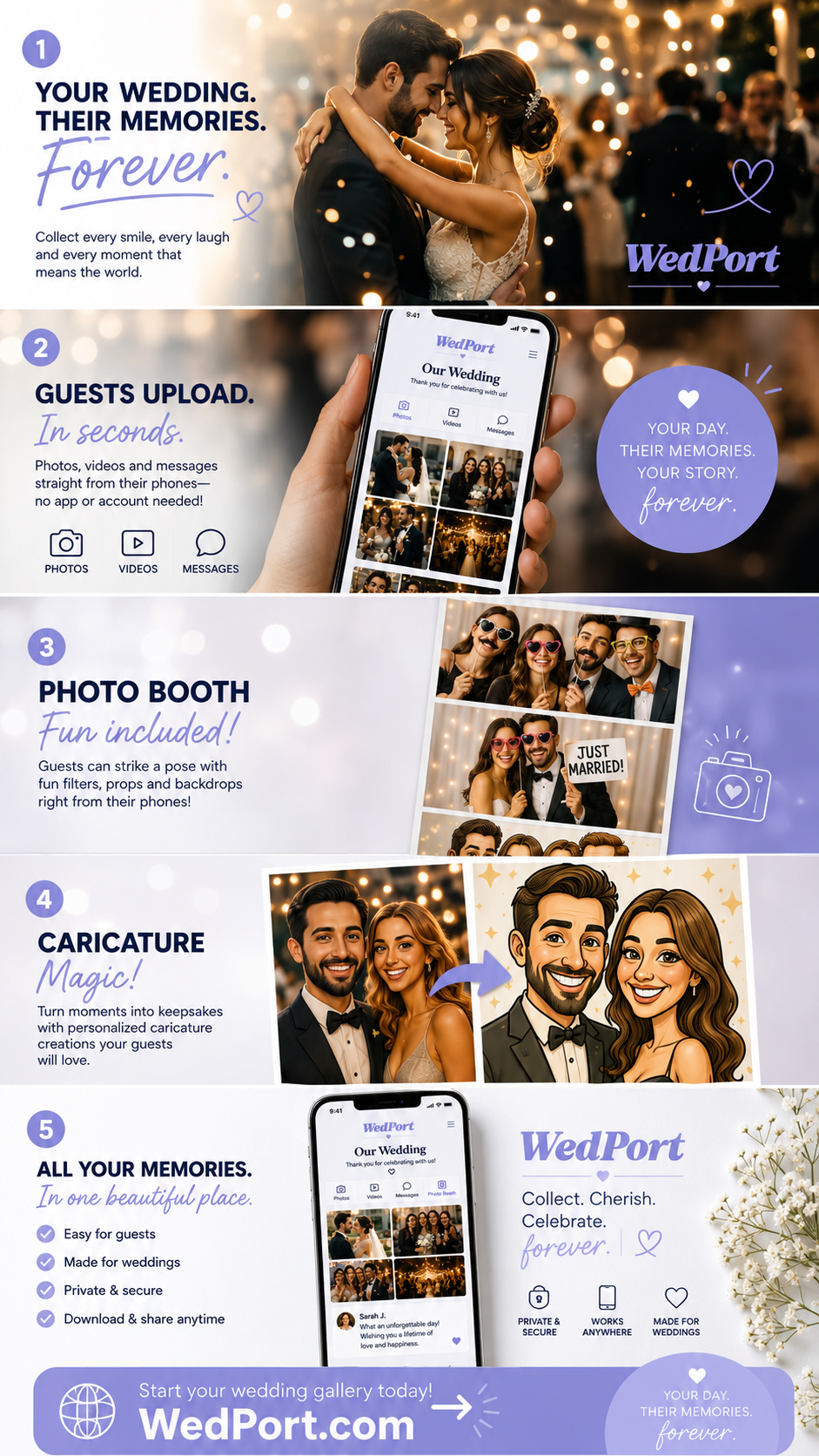
A wedding QR code for photos is a custom QR code that links to a private, web-based album. Guests scan the code with their phone and upload photos or videos directly to the album. You can then view, download, and even display these images in real-time.
- Collect unlimited guest photos and videos
- See uploads in real time or download them afterward
- Customize your QR code to match your wedding theme
- Create a multimedia digital guestbook
Why a Wedding QR Code Beats Traditional Sharing Methods
Complete Guest Participation
Guests of all ages can easily upload photos—no apps or logins required.
Real-Time Collection
As soon as guests upload, photos appear in one place. No chasing people down after the wedding.
Organized & Downloadable
All images can be downloaded in high resolution and organized by guest, time, or type (photo/video).
Live Slideshow
Show guest photos on a big screen during the reception: fun and interactive!
Discover additional fun + unique twists for the reception: 34 Unique Ideas + Alternatives to Make Your Wedding Different.
5. Digital Guestbook with a Twist
Guests can leave voice messages, videos, or photos for a richer memory archive.
Best Wedding QR Code Platforms for 2025 & 2026
| Wedibox | QR code, unlimited uploads, voice messages, live slideshow | Trusted, feature-rich, high-quality downloads | Paid plans | Visit Wedibox |
| Wedding Snap | One-time payment, no app required, unlimited uploads | Easy setup, private albums | Less known, fewer customization options | Visit Wedding Snap |
| LiveShare | Unlimited photos, no guest login, live slideshow | Simple, fast, long-term storage, no app to download | Some options are paid | Visit LiveShare |
| PixDrop | QR code, browser upload, free start | Quick setup, no app, modern interface | Some features require paid plan | Visit PixDrop |
| InviteQR | QR code, unlimited high-res photos, live slideshow | Custom QR designs, easy moderation | Paid plans, smaller user base | Visit InviteQR |
How to Use a Wedding QR Code for Photos Effectively
1. Design & Placement
Print your QR code on table cards, welcome signs, or wedding programs. Customize colors and fonts to match your theme.
2. Guest Instructions
Add a short line like: “Scan here to share your photos & videos!” Include simple tips: “No app needed: just scan, snap, and upload.” This sign is my go-to for weddings. She does a fantastic job.
3. Remind Guests Throughout the Day
Place QR codes in key areas: guest book table, photo booth, dessert table. Encourage a friend or relative to remind people during toasts.
4. Privacy & Moderation
Use a platform that supports moderation if you want to approve photos before they appear. Keep your gallery private or password-protected if desired.
5. After the Wedding
Download all photos and videos, or create a digital/printed keepsake album. Share the highlights with guests for lasting memories.
Real-Life Examples
Couples love using QR codes for guest photo sharing:
“We used LiveShare for our wedding. None of our guests had issues scanning the QR code and uploading their photos. It made capturing every moment so easy!”
-Ashley S.
FAQ: Wedding QR Code for Photos
Do guests need to download an app?
No, most services allow direct upload via a browser after scanning the QR code. LiveShare requires no app and is the one I’ve used the most. It’s easy for all ages.
Can I moderate photos before they appear?
Yes, many platforms offer moderation features so you can approve content before it is visible.
How do I download all photos afterward?
Most services allow you to download all images and videos as a ZIP file, in high resolution.
Where should I place the QR code?
Welcome table, guestbook area, photo booth, dessert station, or even in your programs. The key is visibility.
Is it secure and private?
Yes, platforms usually allow private galleries, password protection, and restricted sharing options.
Conclusion
A wedding QR code for photos is a modern, simple, and effective way to capture every special moment. By using a QR code, you can collect candid shots, videos, and messages from guests, while keeping everything organized and high-quality. With proper design, placement, and instructions, your wedding day memories will be complete, interactive, and unforgettable.
Ready to try it? Compare top platforms like Wedibox, LiveShare, or Wedding Snap and start collecting guest photos today!
Happy Planning!
xo
Emma

Emma Arendoski
Emma is the CEO of Emmaline Bride, The Handmade Wedding Blog, published author, leading wedding expert, and wedding planner. Read her latest book: The Inspired Wedding. Wife, mother, coffee lover. Follow on Instagram and at Emmaline Baby for baby + kids inspiration.