Key Takeaways
- Create a wedding RSVP QR code with a free online generator and insert it into your invitations.
- Add clear instructions and website URLs so all your guests know how to RSVP or find more details.
- Use a separate card for the QR code to keep the primary invitation design intact and noticeable.
After finalizing your guest list and mailing out invitations, you'll wait for the RSVPs to trickle in. And while some couples opt to include a paper RSVP card, many modern duos skip such an insert, opting instead to include a RSVP QR code. In addition to ensuring that no card gets lost in the mail and saving you a bit of money on your invitation suite, this option means you'll be able to receive your guests' responses even faster, allowing you to quickly understand who will and won't be in attendance at your celebration.
“QR codes are just now reaching their potential,” says Stephanie Brown, the founder of Someday Paper Co., who offers several semi-custom invitation designs featuring a QR code. “They make things easier all around for everyone involved.” Some couples also elect to have a QR code direct invitees to their general wedding website, ensuring that all of their loved ones are aware of all of the relevant details associated with their big day—from the dress code and transportation options to the room block and weekend activities.
Interested in adding one to your invitations? Read on to learn how to make an RSVP QR code for your wedding, as well Brown’s expert tips for how to seamlessly incorporate one into your stationery design.
What Is a QR Code?
A quick response (QR) code is a scannable barcode composed of white and black pixels that hold data both horizontally and vertically. It can be scanned by a smartphone camera to link to URLs, images, PDFs, and more.
How to Make an RSVP QR Code for Your Wedding
Creating an RSVP QR code for your wedding is surprisingly simple. To start, know the URL you want to link to. Then, you’ll plug that into a QR code generator, such as QRFY or QR Code Generator. “Make sure to read their terms and conditions, but you should be able to find one you can use for free,” says Brown. Some softwares may provide options for customizing the QR code style, such as adding a border, changing the shape, or choosing a color. Once you’ve landed on your desired look, click “generate” and you’ll be able to download a PNG or JPG file that can be inserted directly into your stationery design or digital invite.
“If possible, test one with your phone,” says Brown. “Make sure that it works, prints legibly, and everything’s good to go before you print out all of your invitations.”
4 Key Tips for Adding QR Codes to Wedding Invitations
Ready to get to work? Here are expert-backed tips for creating your wedding QR code.
Pair It With Clear Instructions
Whether you opt to link to the main page of your wedding website or directly to your RSVP section, Brown recommends stating in clear language what the QR code is for. If you’re linking to the website, go with something like “Scan to visit our wedding website for further details.” However, if you’re linking to your RSVP page, write “Scan to submit your RSVP.”
Get the Size Right
“A one-inch square is usually sufficient,” says Brown. Any smaller and it may be difficult for cameras to register the image as code.
Optimize Placement
“Your invitation sets the tone for the wedding and is a keepsake, so let that be pretty,” says Brown. To keep the QR code from distracting from the design, she recommends including it on a separate insert or RSVP card. And resist the urge to go double-sided. “Don’t put a QR code or any other important information on the back of your invitation,” Brown says. “People don’t tend to turn them over.” The last thing you want is your invitees missing the instructions for RSVPing.
Type Out Your Wedding Website
Unfortunately, paper invitations can get wet and sullied in transport. Depending on your guest list, some invitees may not be tech-savvy enough or possess the smartphone required to use a QR code. For these reasons, Brown recommends including the full URL to your wedding website in addition to a QR code. That way, no matter the circumstances, guests can RSVP and find the necessary details.
3 Other Uses for QR Codes at Your Wedding
This tech-forward hack can also be incorporated into other aspects of your wedding day. Here are a few other areas that may benefit from the addition of a QR code.
Reveal After-Party Details
Want to keep the location of your after-party a secret? Take a cue from this couple's Maryland nuptials and drop a QR code that includes the details to the after-party in your welcome baskets. Doing so adds a mysterious and moody feeling to your late-night celebration.
Create a Virtual Photo Album
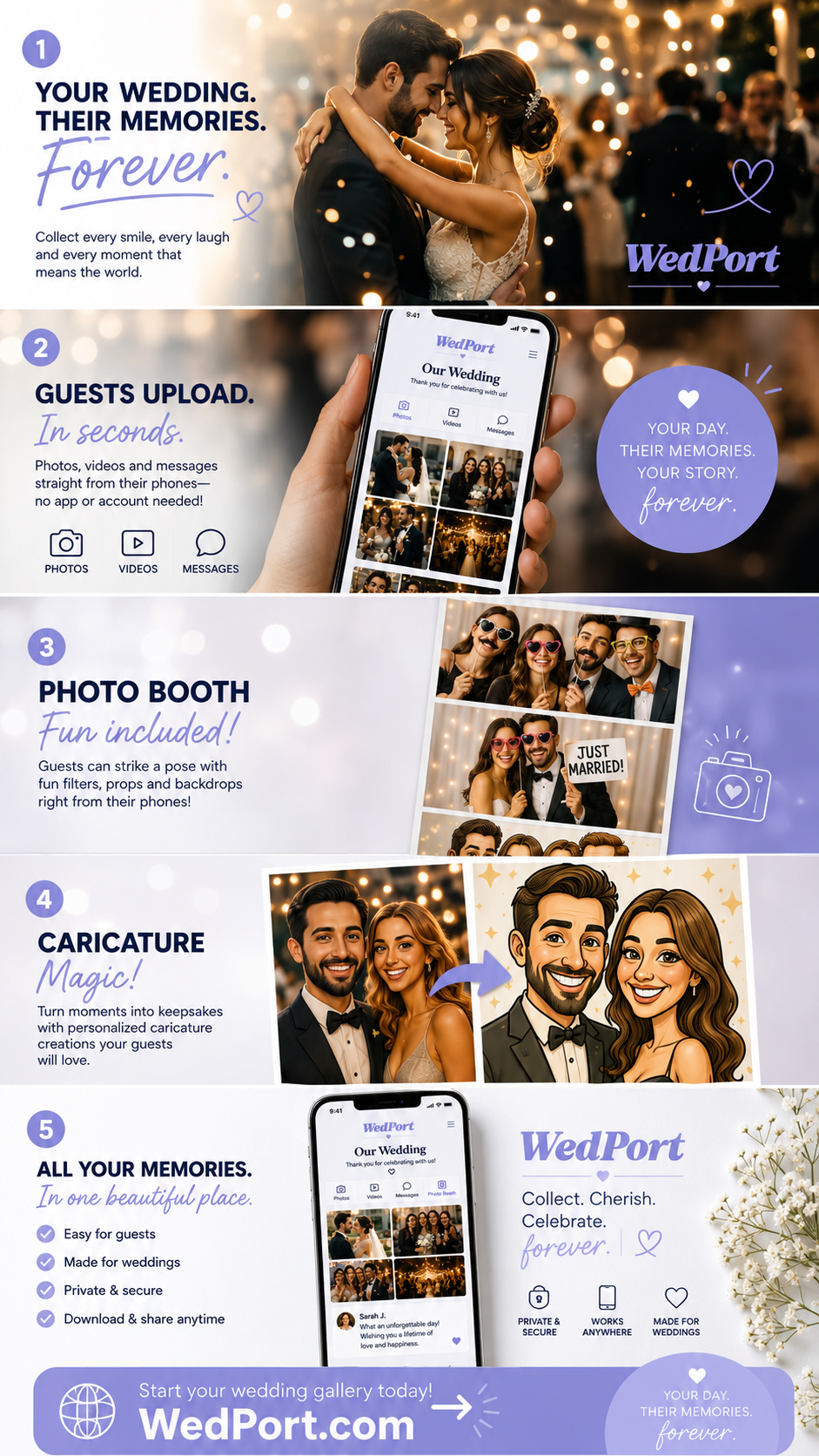
In lieu of a photo booth, place signs around your reception with a QR code linking to a Dropbox or Google Drive where guests can upload the pictures they take throughout the night. In addition to giving your loved ones any easy way to share their snaps with one another, you'll also be able to relive your favorite memories of the evening before your photographer sends along the finished gallery.
Go Paperless for the Ceremony
Rather than printing out paper wedding programs to place at every seat, set up a prominent sign at the ceremony entrance with a QR code that links to all the necessary details.