By WedPort Team · March 2026 · 8 min read
How to Collect Photos from Wedding Guests (Without the Chaos)
Your photographer captured the first kiss perfectly. But your college roommate got a shot of your grandmother laughing so hard she cried. Your best man caught the exact moment you saw your partner walk down the aisle — from an angle the photographer couldn't reach. Those candid guest photos tell a completely different story than the professional gallery. And right now, they're sitting on someone's phone, slowly being buried under grocery lists and dog videos.
The good news: collecting guest photos in 2026 is easier than it has ever been. The bad news: most couples still rely on outdated methods that result in a trickle of blurry screenshots three weeks after the honeymoon. This guide walks you through every option — from dead-simple to full-featured — so you can build a system that actually works on your wedding day.
Why Guest Photos Matter More Than You Think
Professional wedding photographers are incredible, but they can only be in one place at a time. During cocktail hour, while they're shooting the couple portraits, the dance floor is already happening. During the ceremony, the spontaneous laughter in row 7 goes uncaptured. During the reception, the kids table always throws the best material.
Research from wedding platforms consistently finds that couples who actively collect guest photos end up with two to three times the number of usable memories from their wedding day. More importantly, guest photos capture the reactions — the tears, the laughs, the moments of pure joy that happen in the crowd while the ceremony is focused elsewhere.
The question isn't whether you want those photos. Of course you do. The question is how to get them without spending your first week of marriage sending individual texts to 150 people asking if they took any good shots.
Method 1: QR Code Photo Sharing (Best Overall)
This is the gold standard for 2026 weddings and the method with the highest guest participation rate by a wide margin. Here's how it works:
- You create a shared wedding page
- The platform generates a unique QR code tied to your photo gallery
- You print that QR code on table signs, programs, menus, and favor tags
- Guests point their phone camera at the code, tap the notification, and upload photos directly — no app, no account, no friction
- Every upload appears in your gallery in real time
The reason QR codes work so well is that they eliminate every excuse not to share. No app to download. No hashtag to remember and misspell. No emailing photos to an address someone wrote on a napkin. Guests scan, upload, done — in under 30 seconds while they're standing in line for the cake.
What to Look for in a Wedding QR Code Photo Platform
- No app download required — non-negotiable. Any platform that requires an install will lose 40%+ of your guests immediately.
- Original quality preservation — Instagram and text message compression destroys photo quality. Your platform should store full-resolution originals.
- Privacy controls — you don't want wedding photos indexable by anyone on the internet. Look for password-protected or invite-only galleries.
- Bulk download — after the wedding, you'll want everything in one ZIP file, not clicking through 400 individual downloads.
- Real-time slideshow — displaying uploaded guest photos on a screen at the reception dramatically increases upload rates.
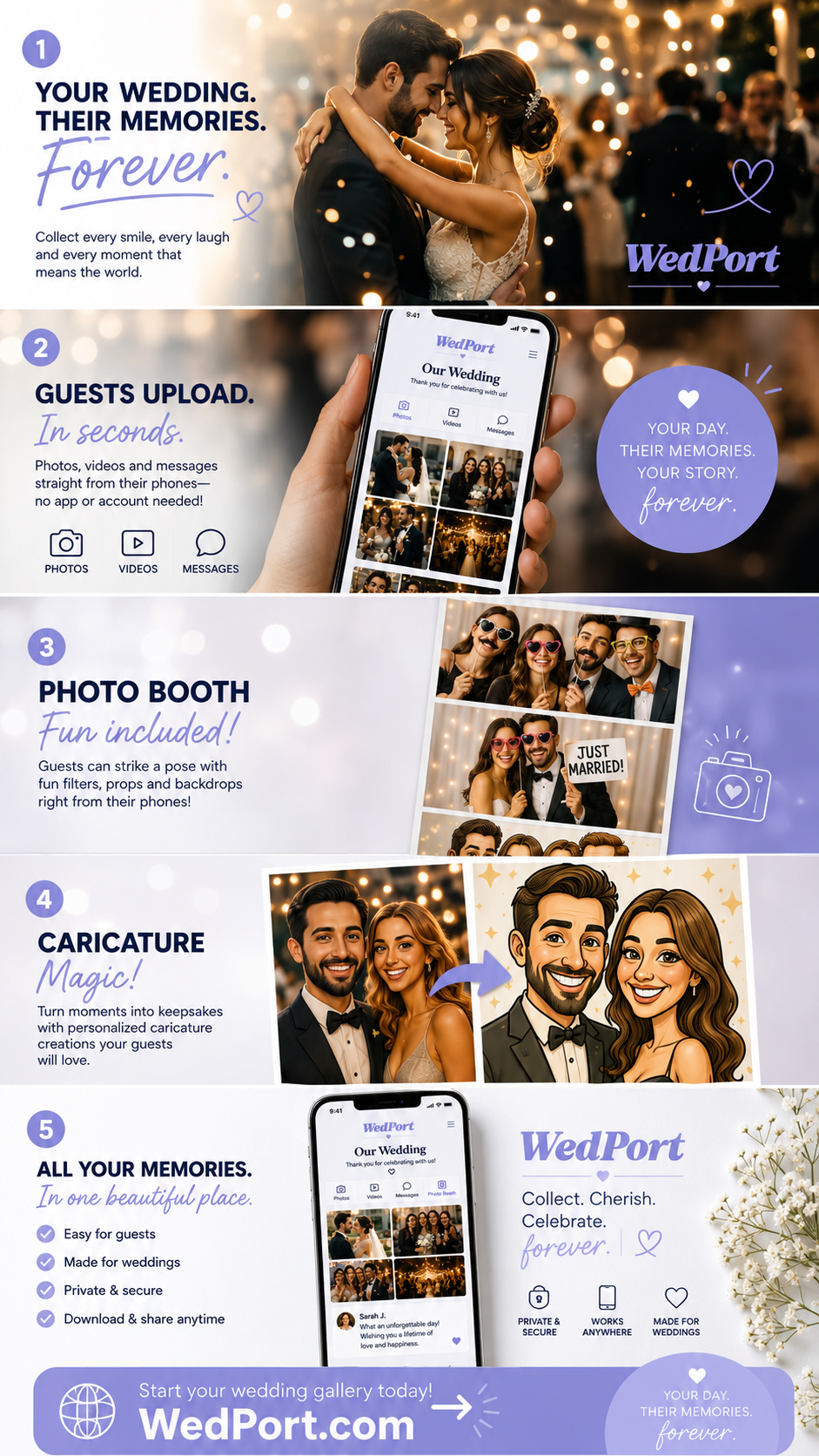
WedPort gives every couple a QR code photo wall, digital guestbook, and shared memory gallery — all in one place.
Create Your Free WedPort Page →Method 2: Wedding Hashtag (Easy but Limited)
The wedding hashtag had its moment, and it still works — but it comes with real limitations worth understanding before you commit to it as your primary strategy.
How it works: You create a unique hashtag (something like #SmithJones2026), announce it at the reception, and guests post their photos to Instagram or TikTok using the tag. You search the hashtag afterward to find and save photos.
The problems:
- Instagram compresses photos significantly — you won't get full resolution
- Guests with private accounts contribute nothing you can find
- Hashtags get misspelled constantly, especially after an open bar
- Photos are publicly accessible unless every guest has a private account
- The collection window closes as Instagram buries older posts
Use a hashtag as a supplement, not a replacement. It costs nothing and captures guests who are already posting anyway. But don't rely on it to collect your most important memories.
Method 3: Shared Google Photos or iCloud Album
Both Google Photos and Apple iCloud allow you to create shared albums where multiple people can contribute. This is free, familiar, and works reasonably well for smaller, tech-savvy guest lists.
Limitations:
- Google Photos requires a Google account to contribute
- iCloud shared albums only work well for iPhone users
- Neither works seamlessly across platforms
- No QR code display or real-time slideshow functionality
- Older guests find the interface confusing without guidance
This method works fine if your guest list is mostly under 40 and tech-comfortable. For mixed-age groups, the friction adds up fast.
Method 4: Disposable Cameras (The Nostalgic Option)
Disposable cameras have made a full comeback at weddings — and not just for aesthetic reasons. There's something genuinely fun about guests picking up a camera and taking candid shots without overthinking it.
The modern version: Place one or two disposable cameras on each reception table with a small note encouraging guests to use them. Collect at the end of the night and have them developed — most Walgreens and CVS locations process disposable cameras in 1–2 weeks.
Reality check: You'll spend $150–$300 on cameras plus development costs, and you'll still only cover the reception. Disposable cameras work beautifully as a complement to digital photo sharing — not a replacement.
Method 5: Email or Text Collection (Last Resort)
Some couples set up a dedicated email address and ask guests to send their favorites. Others create a shared Dropbox link and distribute it via text. These methods work but require active effort from guests days or weeks after the wedding. Reserve this as a backup for guests who couldn't figure out the QR code.
How to Maximize Guest Participation on the Day
1. Announce it at the reception
Have your DJ or emcee make a short announcement early in the reception: "We have a photo sharing wall set up — scan the code on your table to add your photos directly to the couple's gallery." One sentence. It works.
2. Put the QR code where people wait
The bar line is your best friend. People stand there for 2–5 minutes with nothing to do. A well-placed QR sign at eye level converts that idle time into uploads. Same logic applies near the restrooms and at the photo booth.
3. Show uploads in real time on a screen
If you have any AV setup at your reception, displaying a live slideshow of uploaded guest photos creates a feedback loop — guests see their friends' photos appearing and want to contribute their own. Participation rates with a live display are typically 3x higher than without one.
4. Follow up within 48 hours
Send a heartfelt thank-you to all guests within two days with a direct link to the gallery. The emotional window is still open, the wedding is still what everyone is talking about, and response rates are high.
Frequently Asked Questions
What is the easiest way to collect photos from wedding guests?
The easiest method for both you and your guests is a QR code linked to a shared digital album. Guests scan with their phone camera — no app download needed — and upload directly. Platforms like WedPort handle the entire process and generate printable QR codes for your table signs.
How do I get guests to actually upload their photos after the wedding?
Send a follow-up message within 48 hours while excitement is fresh. Include a direct link to the album and a short personal thank-you. On the day itself, a live slideshow display and an emcee announcement dramatically increase real-time uploads.
Can guests upload photos without downloading an app?
Yes — with modern platforms like WedPort, guests upload directly through their mobile browser by scanning a QR code or following a link. No account creation or app install required. This is the single most important feature to look for when choosing a platform.
How do I collect wedding photos from guests using a QR code?
Create a shared wedding page on WedPort, which generates a unique QR code for your event. Print that QR code on table cards, ceremony programs, and bar signage. Guests scan it at any point during the wedding and upload photos directly to your shared gallery.
Is a wedding hashtag still a good way to collect guest photos?
Hashtags work as a supplement but have real downsides: photos are public, Instagram compresses quality significantly, guests misspell tags (especially late in the reception), and private accounts contribute nothing you can find. A dedicated QR code album gives you better quality, privacy control, and typically higher participation rates.
The Bottom Line
You will spend thousands of dollars on wedding photography. The smartest additional investment you can make — often free — is a simple system that captures what the photographer couldn't be everywhere to see. The candid moments, the reactions, the side conversations, the kids doing something unforgettable in the corner — those photos live on your guests' phones right now. Getting them takes about 10 minutes to set up and one QR code sign on every table.
Your photographer captures the wedding. Your guests capture the experience of being at your wedding. You need both.
WedPort makes it effortless for guests to share photos, videos, and memories — all in one beautiful wedding page. Free to get started.
Create Your WedPort Page Today →Related: The Complete Guide to Wedding QR Codes · Wedding Photo Sharing with WedPort · Digital Wedding Guestbook